
Virtual 3D tour: how to prepare your practice, hotel or property for the scan
How to prepare your practice, hotel or property for the Matterport scan: the on-site process, rooms, lighting, details. With a checklist for the finished tour.
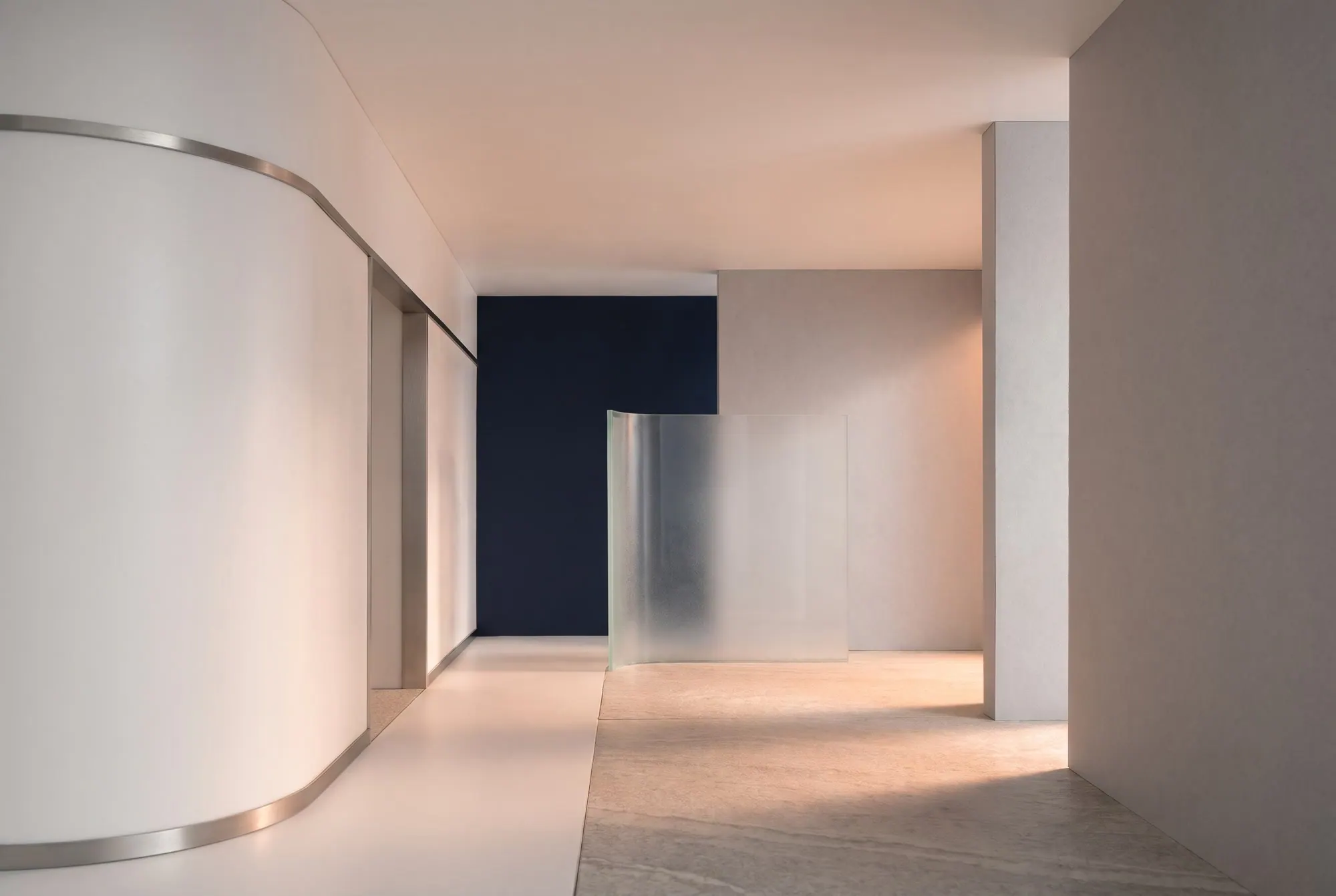
A virtual 3D tour shows rooms the way visitors would experience them on site: they move freely through a practice, hotel, shop or flat, look around and get a real sense of size and atmosphere. How well that works is largely decided before the scan. With the right preparation, the tour looks tidy, bright and inviting.
What a 3D tour does
Photos show details; a tour shows how everything fits together. Prospects see how rooms relate to one another, how far it is from the entrance to the treatment room or how big a hotel room really is. That removes uncertainty before the first visit and answers many questions before they are asked.
Typical uses include:
- Practices: patients see the reception, waiting area and treatment rooms in advance, which can be reassuring, especially for those who feel anxious about their appointment.
- Hotels and holiday flats: guests compare rooms and shared spaces before they book.
- Property: prospective buyers or tenants get a first impression, and on-site viewings take place with more focused questions.
- Shops, showrooms and offices: customers and applicants get an impression of the range and the working environment.
How the scan works
- Initial conversation: which rooms belong in the tour and which do not? Where should the tour start, and which details should later be explained with info points?
- On-site capture: the camera is moved through the rooms point by point and records a 360° image with depth information at each position. This becomes the 3D model.
- Editing: the starting point, tour order, labels and info points are set, and areas that are not approved are hidden.
- Integration: the finished tour is embedded on your website and can be linked anywhere.
Preparation checklist
Rooms
- Clear surfaces: put away cables, stacks of paper, bags and personal items
- Empty bins and place them discreetly
- Open the doors to all rooms that appear in the tour
- Decide in advance which rooms should not be shown and keep them closed
Lighting
- Switch on all lamps and replace any faulty bulbs
- Set curtains and blinds consistently so that rooms do not look unevenly lit
- Switch off screens or display a calm image
Data protection and security
- No patient records, customer data, schedules or names on screens, desks or noticeboards
- No people in the picture, not even in mirrors or through glass doors
- Do not show key boxes, safes or alarm systems prominently
Details that make the difference
- Fresh flowers or plants in the reception and waiting area
- Logo, signage and wayfinding clean and clearly visible
- Beds, cushions and towels in hotels smooth and uniform
Where the tour works for you
A tour has the most impact where people are already looking for information. On the website it belongs on the home page or on the “Practice” or “Rooms” page, not hidden away on a subpage. It is also worth adding a link to appointment confirmations, the newsletter and your social media profiles. Still images and floor plans can be derived from the model too, which you can use for content and print materials.
If you want to be found locally in Potsdam or Berlin, clearly state your name, address and services around the tour. How this fits together is explained in our guide to local SEO.
3D tours from Potsdam
We scan with Matterport technology, prepare the tour with info points and embed it on your website. You will find everything about the offer on our page on virtual 3D tours. Talk to us in a free initial consultation or write to us using the contact form.
FAQ
Does the business have to close during the scan?
The rooms being scanned should be free of people, because every movement ends up in the image. It is often enough to schedule the scan for a quiet period, such as before opening or after closing time, and to work through the premises room by room.
Can I change the tour later?
Info points, labels, links and the starting point can all be adjusted afterwards. If the rooms themselves change, for example through a refurbishment or new furnishings, the affected areas are scanned again.
Where can I use the 3D tour?
On your website as an embedded tour, as a link in emails, appointment confirmations and social media profiles, and as a source of still images and floor plans. That way, a single capture works for you in many places.